Putting in your week takes forever.
Say it like a text. “APUSH test Friday.” Rebound plans the sessions.
Say what's due. Rebound plans the study sessions around school, practice, and sleep. When a night falls apart, it moves the work to a good open time and shows you what changed.
Why Rebound
Putting in your week takes forever.
Say it like a text. “APUSH test Friday.” Rebound plans the sessions.
One missed night wrecks the plan.
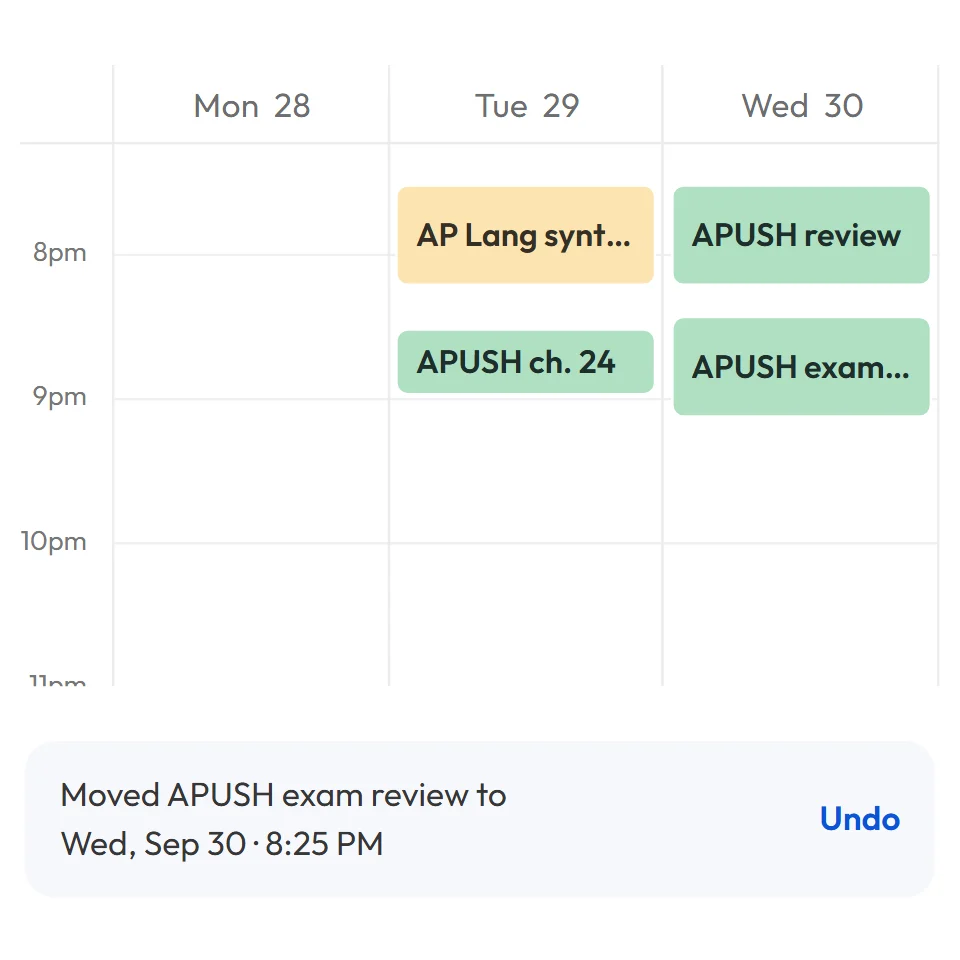
Tap Rebound. The session moves to the next good open time.
AI that acts behind your back.
AI changes are a preview first. Nothing moves until you press Apply.
How it works
School, practice, and sleep stay where they are. Rebound fits the study sessions in before the test, and the work in before the due date.
What's inside
Tell it what changed. It stages the moves and waits for you to press Apply.
Apply a change and you see the old time next to the new one. Tap Rebound and it tells you where the session went.
Classes, practice, shifts, and sleep are locked. Study fills the gaps.
Subscribe to your school's calendar, connect Canvas, drop in a syllabus, or snap a photo of your timetable. One-time imports show you a preview first.
Your tasks, in the order Rebound planned them. Start at the top.
Hit Record in class, where your school allows it, and keep the notes with the course.
You stay in charge
AI suggestions stay a preview until you press Apply.
When it moves your sessions, it tells you what moved.
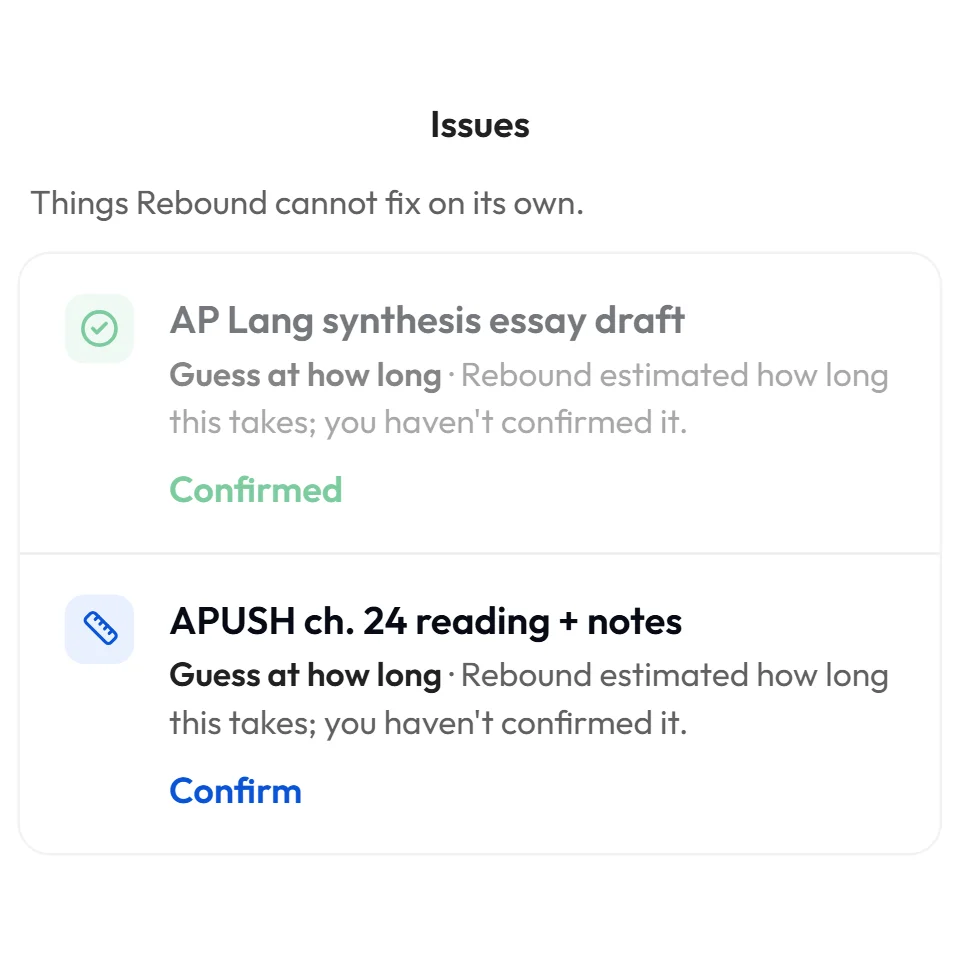
When it's guessing or can't fit something, it tells you.
It lives on your device first and syncs to your own account. No ads, and we never sell your data.
From the founder
A normal high schooler struggles a lot with planning, and I'm one of them. I was planning my week by hand and still missing blocks.
The first version of Rebound didn't fix it. It was really hard to put in all the pieces of my schedule, the calendar was hard to look at, and it planned the same 45-minute block over and over. So I rebuilt it around one idea.
Rebound is not supposed to be a normal calendar. A normal calendar shows you the test. Rebound tells you when to do the work before the test. You tell it what's due, it finds the time around everything else you have going on, and when a night falls apart, it moves the work to a good open time and shows you what changed. The AI doesn't change anything until you say so.
I'm building it for me first, then my school, then anyone who is overloaded with work, which is a lot of students. The goal is for Rebound to learn how long things really take you and when you actually start, so one day it can plan your week without asking.
Rebound is an AI calendar for students. Instead of just showing your tests and appointments, it plans the work you have to do before them, like the study sessions before a test, and moves that work when your week changes.
High school students first, and anyone who is overloaded with work. College students can use it too.
Yes. Rebound is free to use right now.
The AI never does: suggestions from chat stay a preview until you press Apply. Tapping Rebound on a session is your OK. It tells you where the session went, and if it only had to move that one session, you can undo it in one tap. If your week is completely full and the work is urgent, Rebound may push other sessions later to make room, and it sums up what moved. A school calendar you subscribe to keeps itself up to date on its own.
Tap Rebound on it, or tell chat something like “I can't work tonight.” Rebound finds a good open time around your classes, practice, and sleep, and shows you exactly what moved.
Yes. You can subscribe to your school's calendar link, connect Canvas, upload a syllabus, or take a photo of your timetable. One-time imports like a calendar file, a syllabus, or a timetable photo show you a preview before anything is added. A subscribed school calendar keeps itself in sync.
Yes. Rebound runs in your browser on a laptop or a phone, and you can add it to your home screen. There's no app store app yet.
Rebound is free. AI suggestions stay a preview until the student presses Apply, and Rebound shows what it moved whenever it repairs the week. The plan lives on their device and syncs only to their own account. There are no ads, and we don't sell data. The privacy policy has a short version at the top.
Your plan lives on your device first and syncs to your own account when you sign in. We don't sell your data and we don't run ads. AI features only send what they need to answer you.
Free to use. AI changes wait for your OK.